
You are using an out of date browser. It may not display this or other websites correctly.
You should upgrade or use an alternative browser.
You should upgrade or use an alternative browser.
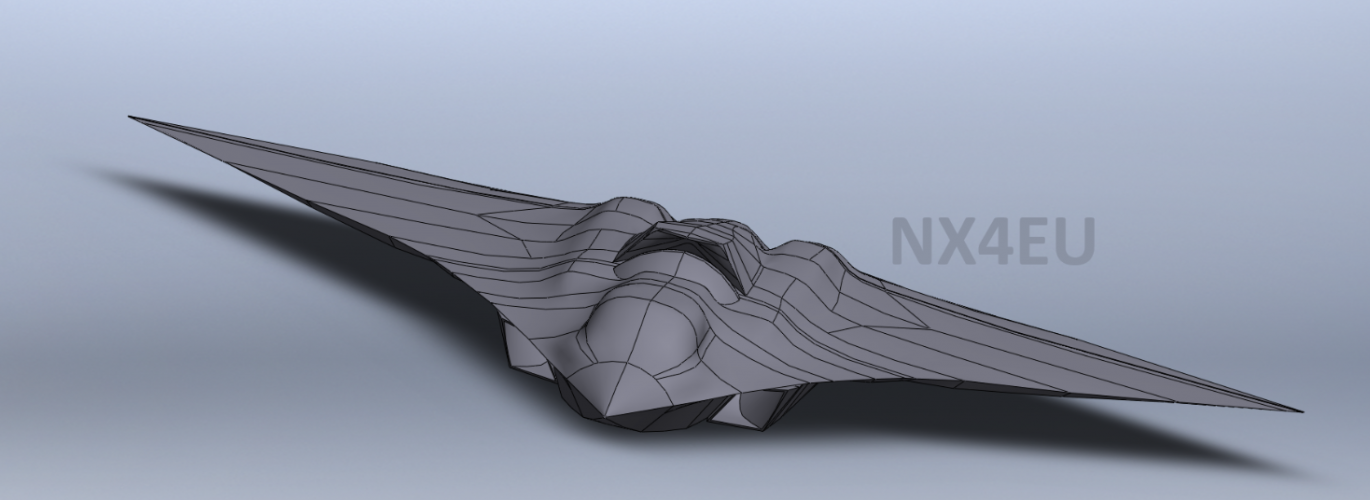
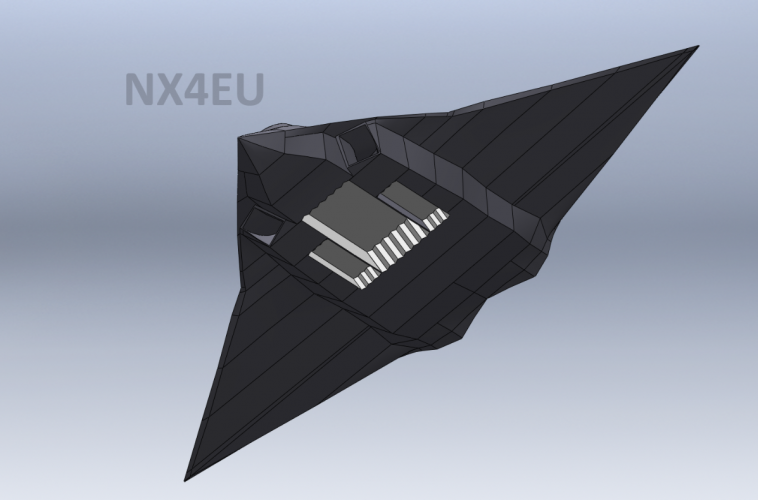
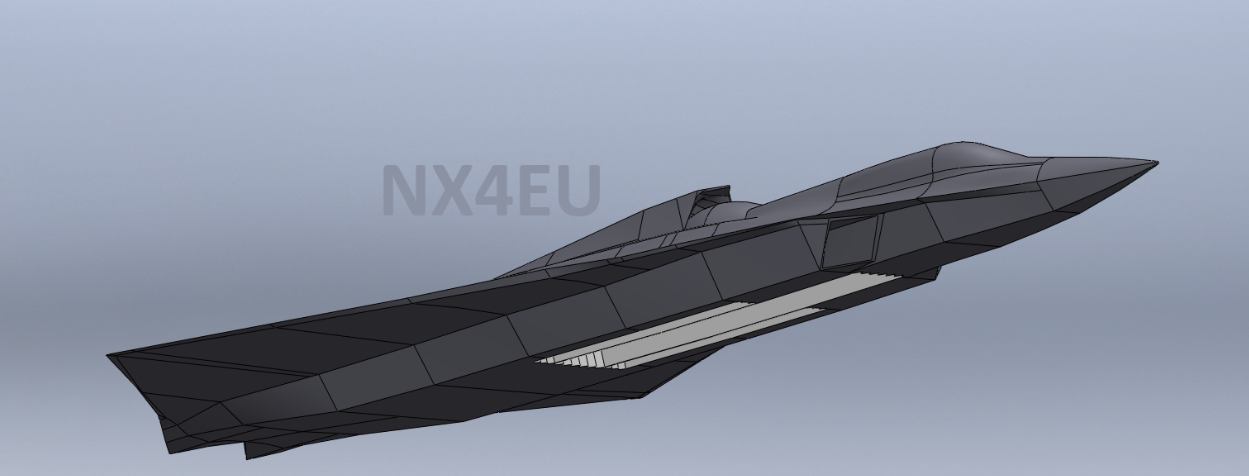
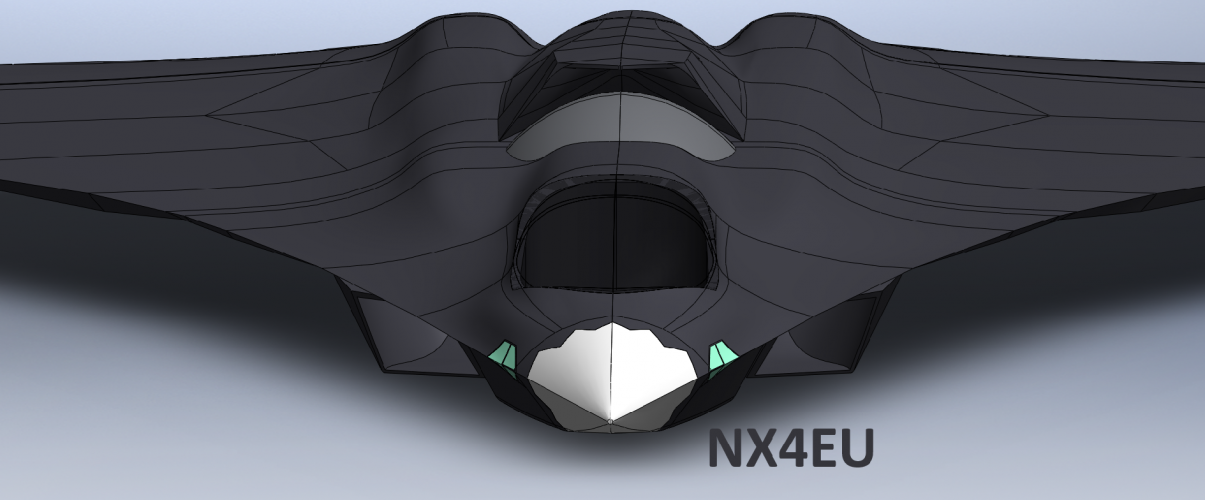
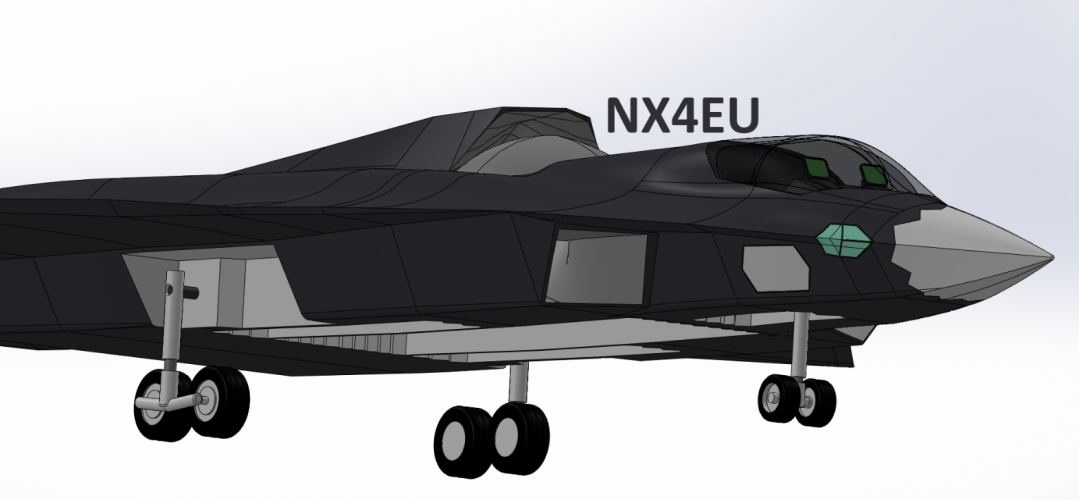
J-36 Model by Nx4eu
- Thread starter Nx4eu
- Start date

Bounce
I like cheese.
- Joined
- 14 February 2011
- Messages
- 257
- Reaction score
- 744
If you want more reference pictures check this guy out
https://weibo.com/6337641789/PFOarAKku?pagetype=profilefeed
https://weibo.com/7966368926/Q0fbOf6Rf
https://weibo.com/6337641789/PFOarAKku?pagetype=profilefeed
https://weibo.com/7966368926/Q0fbOf6Rf
Oh I already know him, i joked on SDF that I’m the knockoff version of him. Oh how the tables have turned.If you want more reference pictures check this guy out
https://weibo.com/6337641789/PFOarAKku?pagetype=profilefeed
https://weibo.com/7966368926/Q0fbOf6Rf

targetpractice
ACCESS: Confidential
- Joined
- 30 December 2024
- Messages
- 165
- Reaction score
- 616
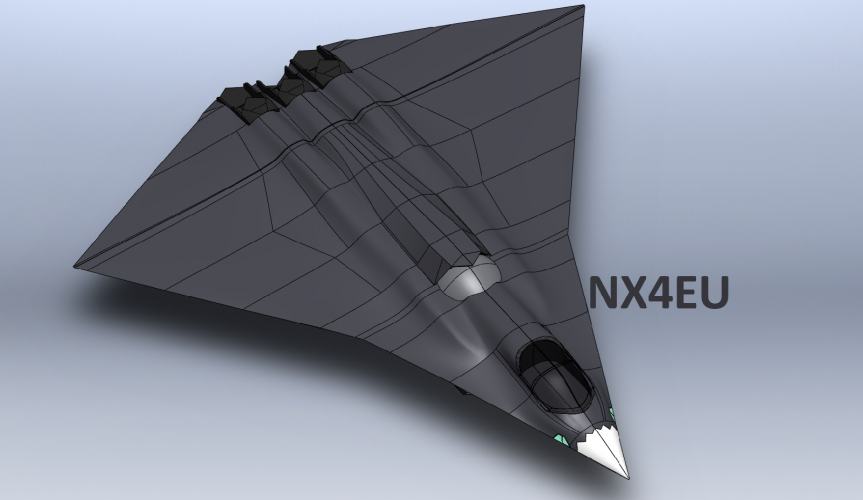
Anyone a Solidworks guru here? I'm kind of wondering how one uses the intersect tool. I want to cut out sections for the canopy & cockpit.
@VTOLicious maybe?

Halcyon66
ACCESS: Top Secret
- Joined
- 9 July 2022
- Messages
- 1,534
- Reaction score
- 3,283
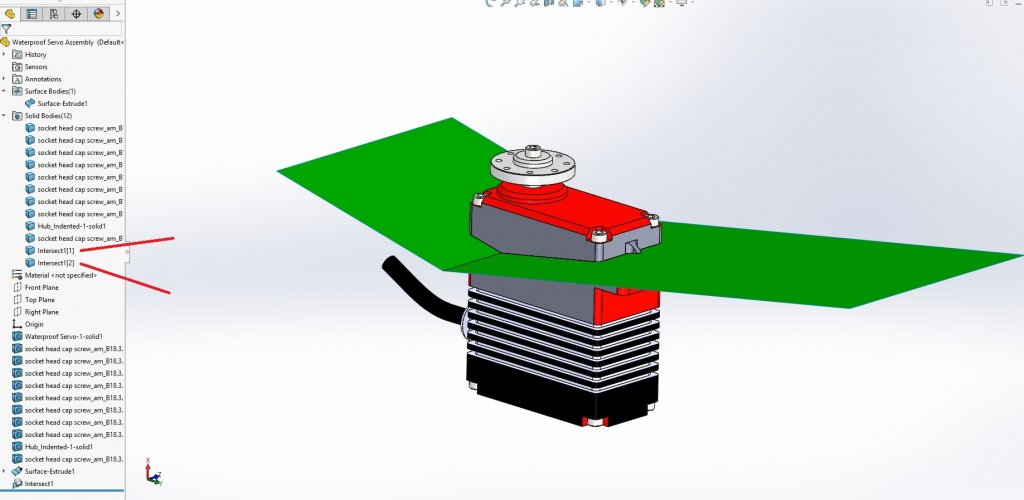
Draw a line through the canopy section and then extrude, then use the Intersect tool to choose the extruded and the solid body then you will see two bodies, uncheck the merge result and then you will have two solids as you can see in the tree.
In this case I just used a servo, yet it shows the outcome.
If you cannot find the tool just look in the search commands dialog box at top right-hand corner.

Regards,
In this case I just used a servo, yet it shows the outcome.
If you cannot find the tool just look in the search commands dialog box at top right-hand corner.
Regards,
Yeah I figured this out today, wasted an hour or two fiddling around with itDraw a line through the canopy section and then extrude, then use the Intersect tool to choose the extruded and the solid body then you will see two bodies, uncheck the merge result and then you will have two solids as you can see in the tree.
In this case I just used a servo, yet it shows the outcome.
If you cannot find the tool just look in the search commands dialog box at top right-hand corner.
View attachment 788532
Regards,
Similar threads
-
-
-

-
SA-7 Lower grip assembly scale display model WIP
- Started by ISNJH
- Replies: 0
-